


Help Center
-
Free-standing Kitchens
-
Design Your Kitchen
-
Online Kitchen Planner
-
- What is the Canvas?
- What do each of the buttons do?
- What can you use custom units for?
- Can I see diagrams of the units?
- When do you use extras on your plan?
- How do you start a new plan?
- How do you continue with an existing plan?
- What do you use the ruler for?
- Can I move multiple units at once on the canvas?
- How do I download the layout so that I can print it?
- How to I submit my layout to get a quote?
-
Construction
-
Costs
-
Ordering
-
Delivery
-
Kitchen Installation & Maintenance
-
Environment & Community Impact
How do you start a new plan?
If you wish to start a new plan while you are currently working on a plan, simply click on the “save” icon for your current plan and then scroll to the top of the page. From there, click on “Start Planning”, which will redirect you to the enquiry form where you can fill out your design details for your new plan.
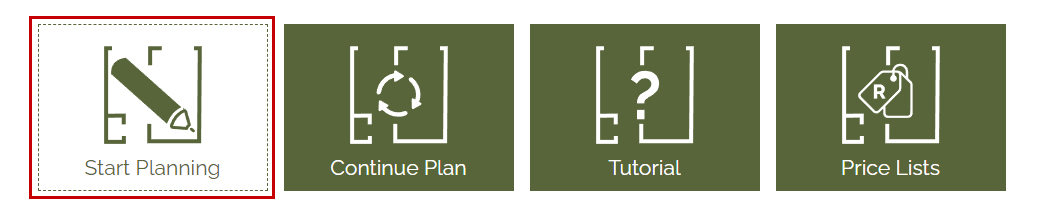

Start New Plan
Quick Links